+49 (0) 2944 4899480 Mon-Fri 8am-3pm
4.9 Excellent from 11,000 customers
- personal advice
- secure payment
- free shipping
The data is on the type plate, which you can find as shown.
Error code F242 appears when there’s a problem with the communication between the touch display and the washing machine’s electronics. There can be several reasons for this.
One possible cause is faulty communication with the electronics (EPW). This could mean the connection is interrupted or disturbed.
Another reason could be an internal error in the electronics, causing the touch display buttons to stop working properly.
Lastly, the touch foil itself might be defective, which can also trigger this error code.
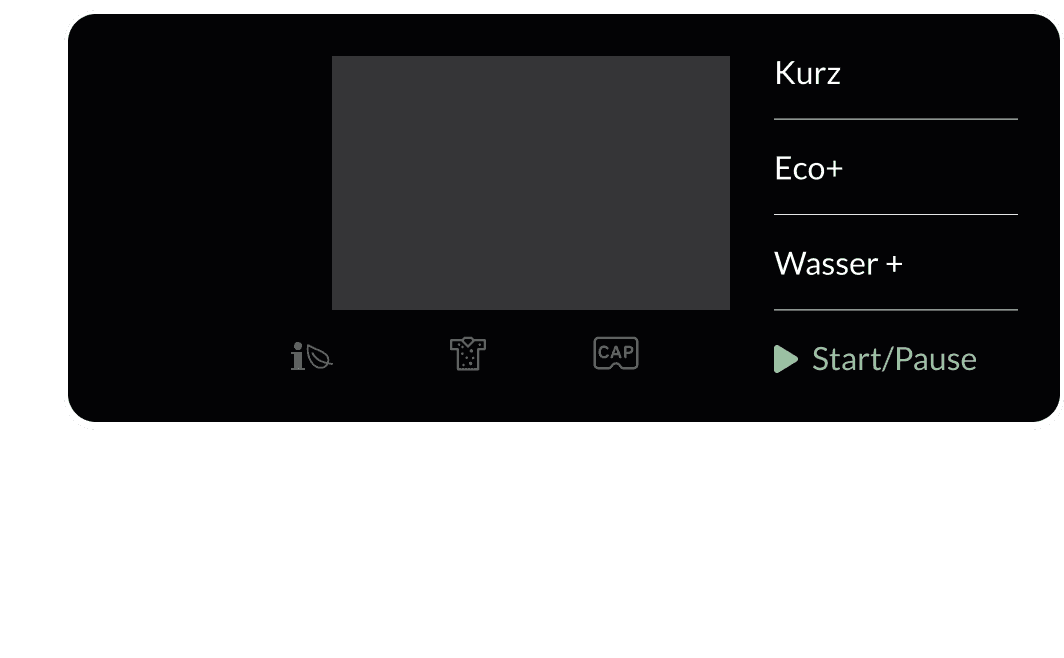
Miele
F242
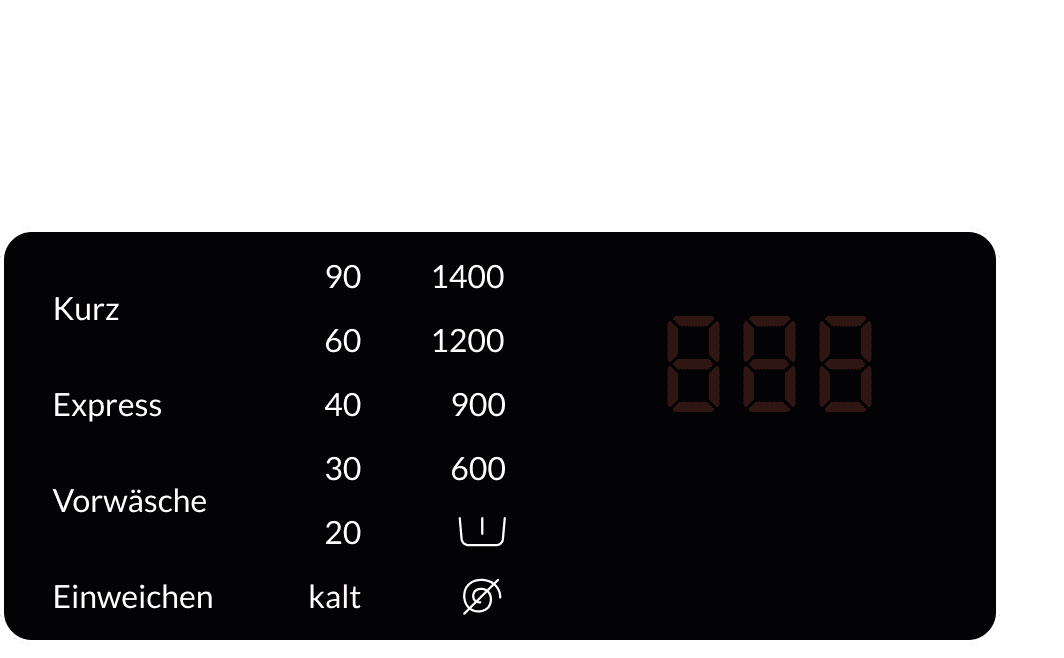
242
Follow these steps to fix your F242 error:
Check the connection between the touch display and the EPW electronics. Make sure all cables are firmly in place.
If the problem persists, replace the EPW electronics.
If the error still shows up, check the EPW electronics by removing them. Turn off the washing machine and unplug it before you do this.
Install a refurbished EPW electronics unit from Repartly and make sure everything is connected properly.
If the problem is still there, test the touch function in service mode to see if the touch foil is defective.
If the touch foil is faulty, replace it.
The data is on the type plate, which you can find as shown.
No problem. Send us the most important details about your appliance and the fault. Our team will review your information and help you find the right solution.
